PixelDancer
Unattended jobs need unattended Macs

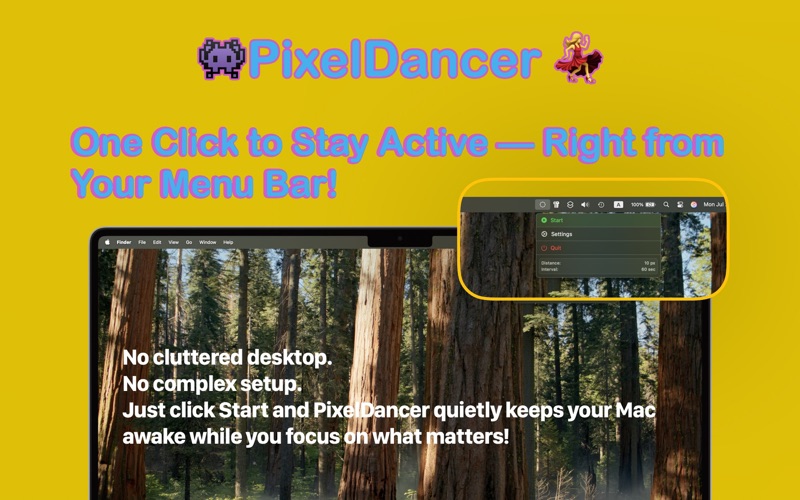
You need your Mac working while you’re away — not fidgeting with it, actually working. PixelDancer is a small menu-bar utility built for exactly that, and it stays out of the way while it does it.
Dancer vs. Agent
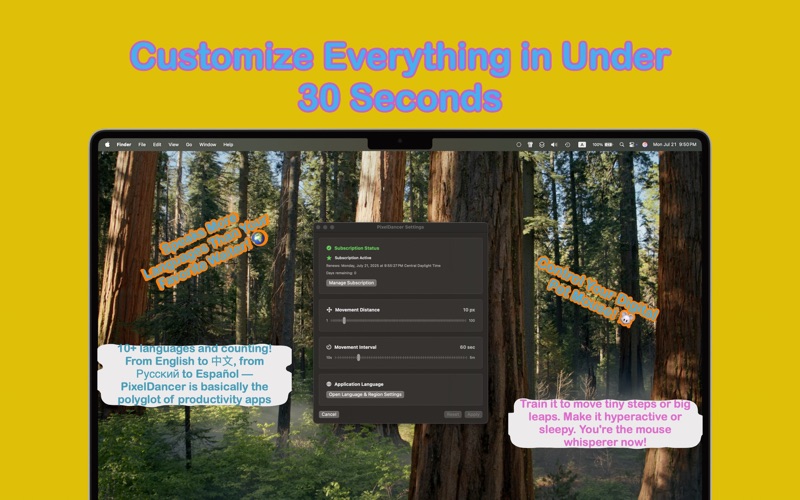
- Dancer Mode nudges the cursor on a timer so your status never flips to idle. Set the frequency and distance; it only moves while you’re away. For presentations, demos, and anyone tired of Slack declaring them offline mid-meeting.
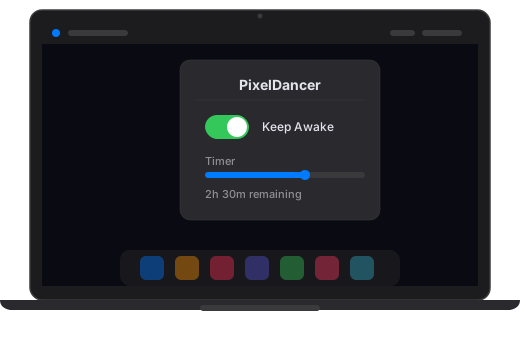
- Agent Mode (v2.0) skips the cursor entirely and holds the whole system awake for unattended jobs — model training, big renders, builds, long-running AI agents. Pick a session length with optional auto-stop, choose what happens when it ends (stop, sleep, or shut down), and get a native macOS notification — with a Restart button — the moment it’s done.
The sandbox problem
Apple’s App Store sandbox won’t grant the system-level permission needed to disable sleep — that takes admin privileges no sandboxed app can hold. So for a closed lid, on battery, with no external display, there’s the free PixelDancer Power Helper: a small companion you install once, after which Agent Mode handles closed-lid mode automatically. Desktop Macs, external displays, and open-lid setups need nothing extra.
Details & privacy
Seven themes, nine menu-bar icon styles, 30+ languages, and a built-in scheduler for recurring sessions. Everything runs on your Mac — no telemetry, no analytics, no network access at all, sandboxed per Apple’s rules. Full features are a subscription, with a 7-day free trial to try everything first.
Screenshots